Web console
The browser twin of arthur status.
arthur web
arthur web --root ~/my-loop --port 8080 --no-open
Vanilla JS over Python's stdlib server. No build step, no npm. It binds 127.0.0.1 only and prints a URL with a per-process session token. Every read and write requires that token.
Roles assigns planner, implementer, reviewer, and QA. Run next invokes the next assigned agent. + Loop formulates the default sequence. Same as arthur roles and arthur in a terminal. Detail: Roles and run.
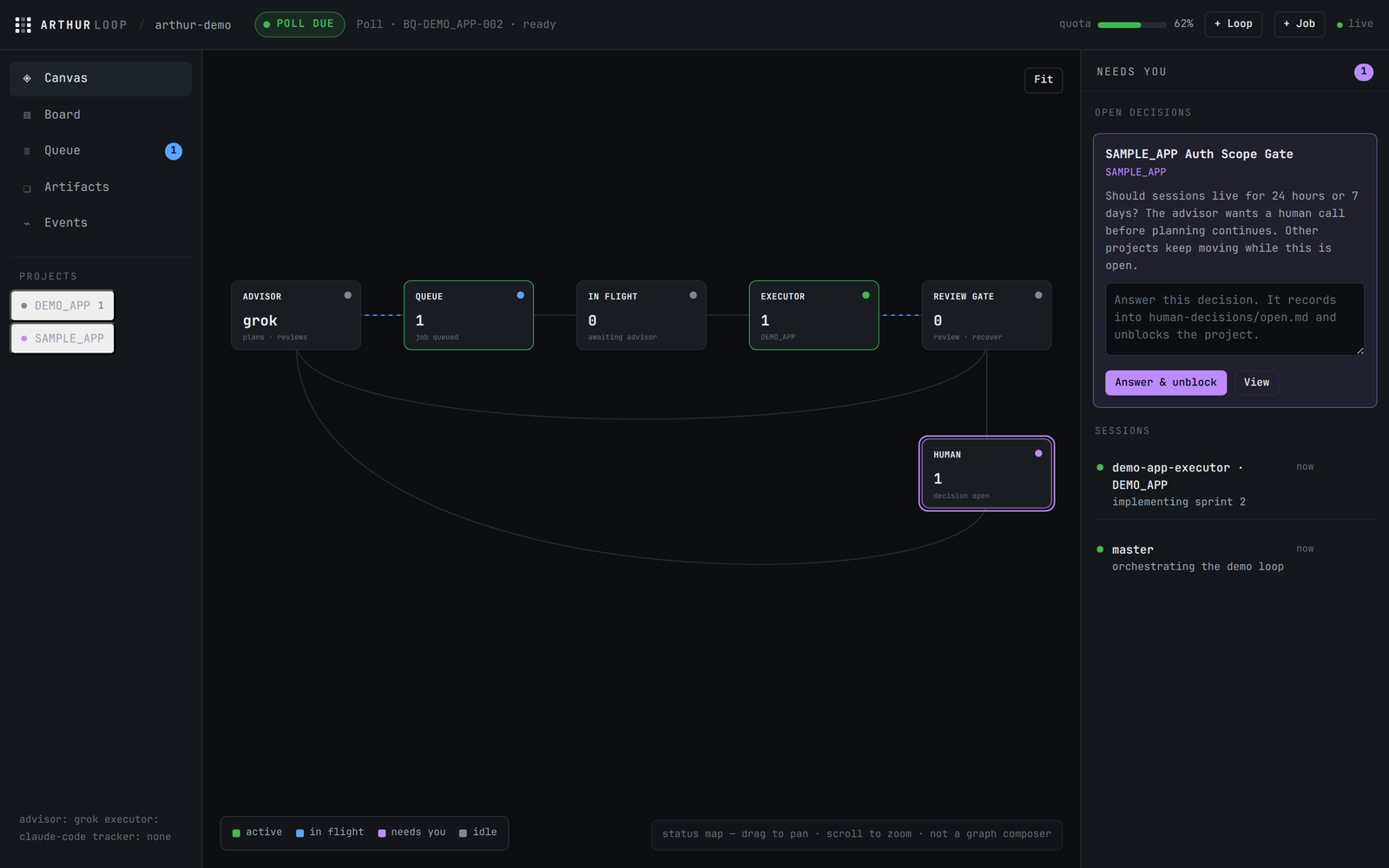
Views
- Canvas — advisor → queue → in flight → executor → review gate → human, with counts on the nodes.
- Board — the queue as kanban columns.
- Queue — the dense table, recover inline.
- Artifacts — per-project reader; invalid control blocks are flagged.
- Events — the ledger tail.
- Needs you — always-on rail for decisions, stale jobs, quarantined artifacts, and sessions.
What a human can do here
Human actions, each the same code path as the CLI: assign roles, run the next hop, answer a decision, recover a job, create a loop, create a job, clear a session, break a stale browser lock. There are no claim, submit, poll, or “approve plan” bypasses.
Want the same snapshot from the top of the screen? The macOS menu extra reads arthur status --json and badges when a decision or stale job needs you.
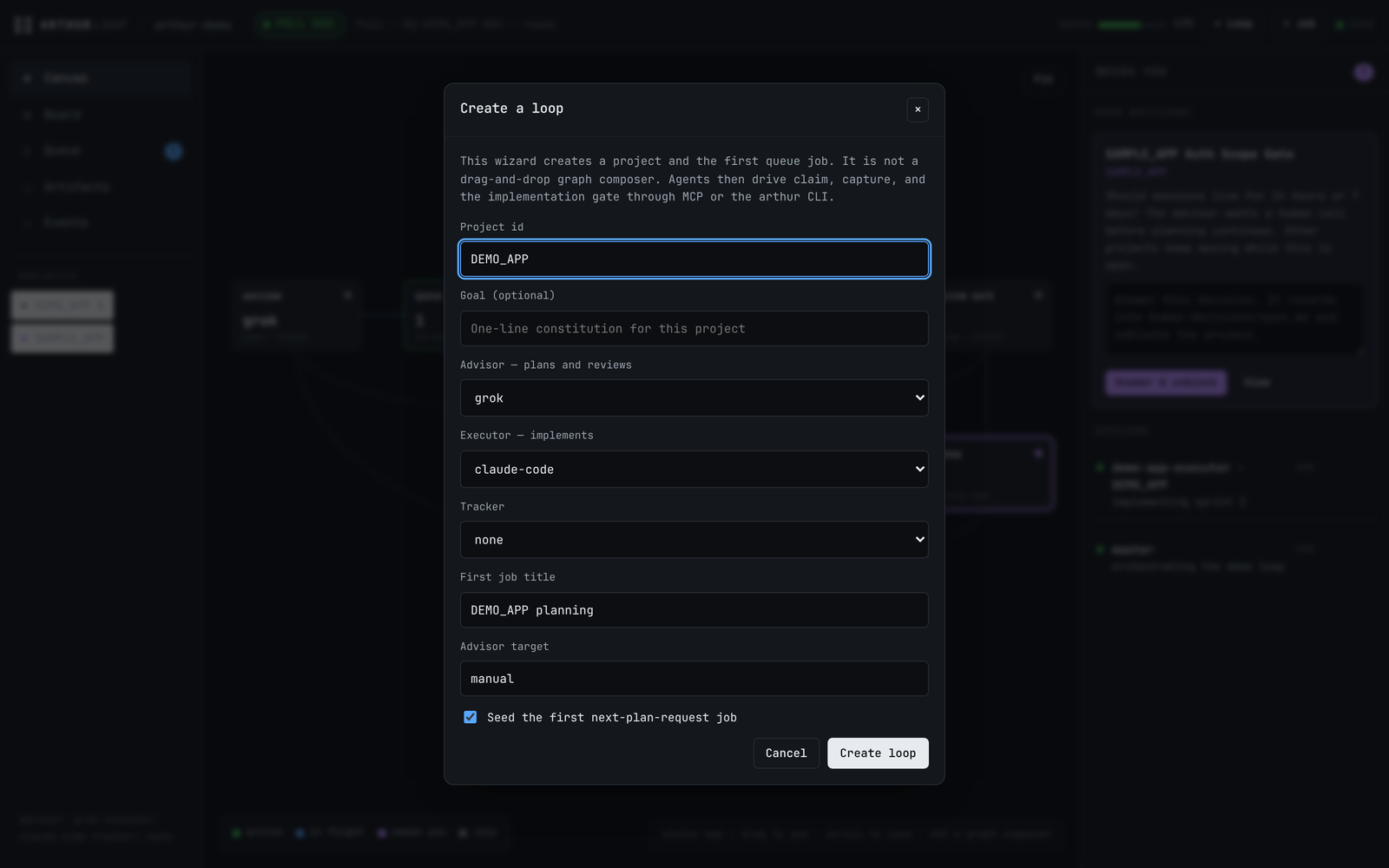
/arthur-loop: project, roles, tracker, optional first job.